Many users want to know how accurate GPS photo stamps really are. This question matters when photos are used for inspections, proof of work, delivery confirmation, and travel records. A stamped photo looks reliable. Accuracy still depends on the device and the environment.
People often search for GPS photo stamp accuracy when they need trusted documentation. They want to know if the location is exact. They also want to know when GPS can fail. This matters for compliance and reporting workflows.
This guide explains how accurate GPS photo stamps are on Android and iPhone. It covers common causes of location errors. It also explains best practices to improve accuracy before you capture the image.
Quick Answer: Are GPS Photo Stamps Accurate?
GPS photo stamps are usually accurate enough for everyday documentation. Accuracy is strongest in open outdoor areas. Accuracy becomes weaker near tall buildings, indoors, or in poor signal conditions. You should always verify the stamp before sharing the image.
- Outdoor accuracy is usually better than indoor accuracy
- Strong signal improves location precision
- Visible stamps are useful for reporting and review
- GPS is not always exact to the meter
- Verification before sharing is important
If you need a setup guide first, read our Android GPS stamping guide. If you use Apple devices, read our iPhone GPS stamping guide. Both explain how to capture stamped photos correctly.
What GPS Photo Stamp Accuracy Means
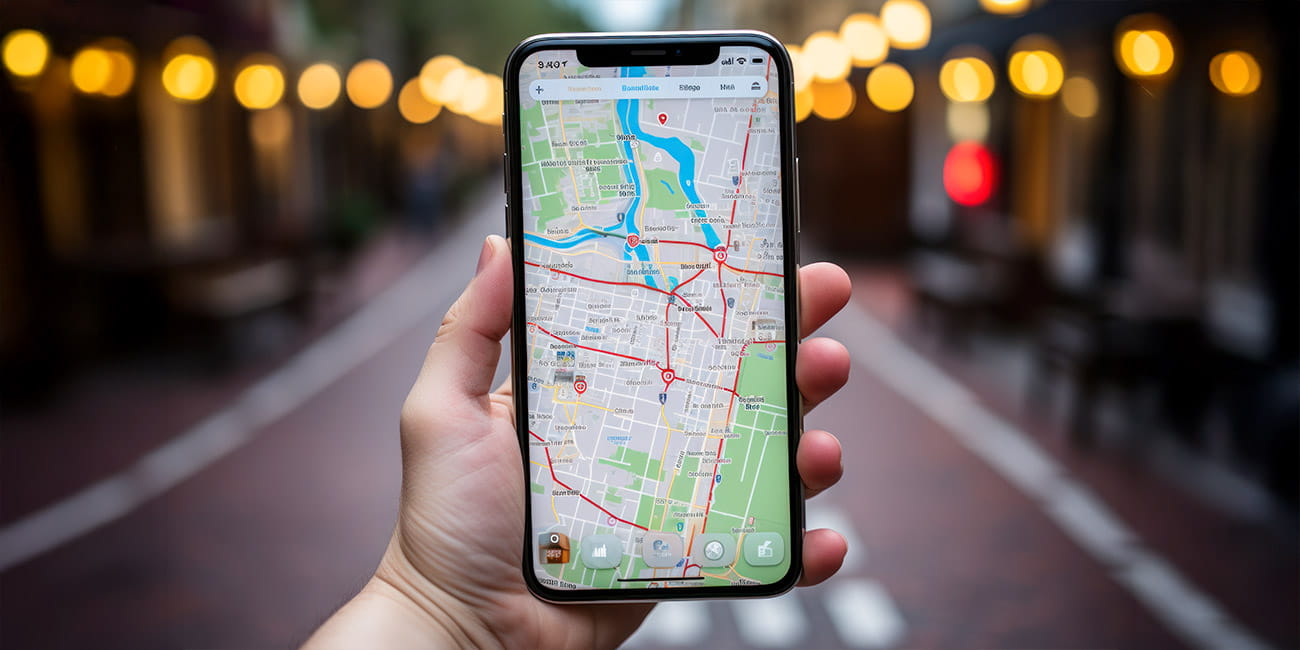
GPS photo stamp accuracy means how closely the stamped location matches the real capture point. A photo stamp may show coordinates, address, map preview, or all three. The location comes from GPS and related device location services. The visible stamp only reflects the data available at that moment.
A photo can look correct and still be slightly off. This is because GPS accuracy changes with surroundings. It can also change with device quality. That is why the stamp should be treated as strong documentation, not perfect survey grade positioning.
How GPS Photo Stamps Work
When you capture a photo in a GPS camera app, the app reads your device location first. It then places the location and time on the image. This can include coordinates, address, map view, or timestamp. The final image shows visible proof that is easier to review than hidden metadata.
If you want to understand hidden location data, read our upcoming guide on metadata vs visible GPS stamp. Hidden metadata can store geotag information. A visible stamp places that information directly on the image.
What Affects GPS Photo Stamp Accuracy
1. Open Sky vs Indoor Environment
GPS works best in open outdoor areas. The signal is usually stronger there. Indoor spaces can block or weaken location data. Basements and covered structures are common problem areas.
2. Tall Buildings and Dense Areas
Urban areas can reduce accuracy. Tall buildings reflect or block satellite signals. This can shift the reported location. That is why dense city streets often produce less reliable stamping.
3. Device Quality
Newer phones usually provide better location performance. Older devices may take longer to lock location. Some devices combine GPS with Wi Fi and network signals. This can improve speed but not always precision.
4. Location Settings
Precise location must be enabled for best results. Automatic date and time should also stay enabled. If settings are wrong, the stamp can show incorrect details. Always check permissions before capture.
5. Time Allowed for GPS Lock
Many users capture too quickly. The app may need a few seconds to stabilize the location. If you shoot immediately, the stamp may reflect an earlier or weaker location fix. Waiting briefly improves reliability.
How Accurate GPS Photo Stamps Are in Real Use
For most work documentation, GPS photo stamps are accurate enough to prove presence at a general location. This is useful for inspections, field visits, property checks, service jobs, and travel records. It helps reviewers confirm where and when the image was captured. It also reduces disputes.
GPS photo stamps are not meant for land surveying or legal boundary measurement. They are better suited for operational proof. In real business workflows, visible proof is often more important than perfect measurement. That is why stamped photos work well for approvals and records.
How to Improve GPS Photo Stamp Accuracy
Follow these steps before capture:
- Move to an open area when possible
- Enable precise location on the device
- Keep automatic date and time enabled
- Wait a few seconds for GPS lock
- Check the visible stamp before sharing
These small steps improve location quality. They also reduce the chance of bad records. This is especially important for inspection and proof of work photos. Good setup saves time later.
Best Practices for Reliable GPS Stamped Photos
- Capture outdoors when possible
- Wait for location to stabilize
- Keep the subject and the stamp readable
- Do not edit the original image
- Store original files in project folders
- Use cloud backup for important records
If you use GPS stamped photos for client work, also read our photo proof of work guide. It explains how to keep records clear. It also helps with reporting workflows.
Common GPS Accuracy Problems and Fixes
GPS Stamp Shows Wrong Location
Move to an open area and wait. Check that precise location is enabled. Restart location services if needed. Then retake the image.
Address Looks Incorrect
Coordinates may still be right even if the address looks slightly different. This can happen with reverse geocoding. Wait for a better connection and capture again. Always review before submission.
Timestamp Looks Wrong
Enable automatic date and time in system settings. Check time zone settings on the device. Restart the app if needed. Verify the preview before sharing.
Map Preview Does Not Load
Map view may need internet access. Check Wi Fi or mobile data. Restart the app if the map stays blank. The GPS signal itself may still work even if the map does not load.
GPS Map Camera vs Standard Camera for Accuracy Review
| Feature | Standard Camera | GPS Map Camera |
|---|---|---|
| Visible location on image | No | Yes |
| Visible timestamp on image | No | Yes |
| Easy review by client or supervisor | No | Yes |
| Needs metadata extraction tool | Yes | No |
| Better for audit documentation | No | Yes |
If you use stamped photos for inspections, read our site inspection photo guide. It explains how visible proof supports reporting. It also covers storage and review practices.
Are GPS Photo Stamps Legally Reliable?
GPS stamped photos can support documentation and verification. Legal acceptance depends on local rules and department policy. Original files should always be kept. This guide does not provide legal advice.
For most teams, the goal is operational trust. A visible stamp helps reviewers understand where and when the photo was taken. That makes the record more useful. It also supports audit readiness.
Who Should Care Most About GPS Accuracy
Field inspectors need reliable site records. Construction teams need clear daily progress proof. Delivery staff need proof of service. Freelancers need documentation for client approval.
Government officers may also rely on stamped photos for public work monitoring. Travelers benefit too when they want correct place memory. Accuracy matters most when photos are reviewed by someone else. That is where visible proof adds value.
Frequently Asked Questions
No. GPS photo stamps are not always exact to the meter. Accuracy depends on signal strength, device quality, and surroundings. They are usually reliable enough for general documentation. They are not survey grade tools.
Yes. Turn on precise location. Keep automatic date and time enabled. Wait a few seconds for GPS lock. Capture in open outdoor areas when possible.
Yes. GPS can work without internet. Map preview and address lookup may need internet in some cases. The visible stamp can still work if the device location is available. Always verify before sharing.
Yes for review workflows. Metadata is hidden and often needs extraction tools. A visible stamp is easier for clients, supervisors, and auditors to check. That makes documentation faster.
Indoor spaces weaken GPS signals. Tall structures and covered areas can block location data. Move near a window or outside when possible. Then capture again after the signal stabilizes.
Credibility and Update Notes
This guide is based on field documentation and reporting workflows used in inspections, site visits, and proof of work records. It is written for practical use. It is not written as survey or legal measurement guidance. The goal is clear documentation.
Update note: test your workflow on the current Android or iPhone version before final use. Device behavior can vary slightly by model. App version changes can also improve location handling. Review live results in your own environment.

Download GPS Map Camera
If you need visible GPS location and timestamp on your photos, use GPS Map Camera and verify the stamp before sharing. This helps with inspection proof, work documentation, and travel records. Keep original files for reporting. Use the official app listing for the latest version.